Guides › Set up managed signing for your Android app
Set up managed signing for your Android app
3 min read
A release build has to be signed with a keystore Google recognises. Keeping that keystore on a laptop, or worse, in a repo, is how teams lose it. BuildStack seals it once and applies it for you.
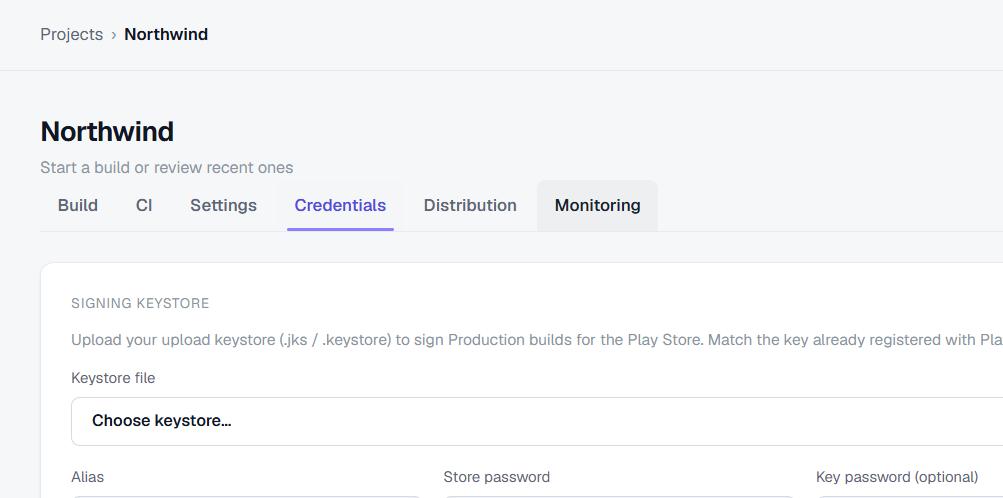
Upload your keystore
In your project settings, upload your .jks or .keystore file with its alias and passwords. It is encrypted at rest immediately; the plaintext never touches the database and is never returned by the API.
Sign automatically
From then on, any build with sign: true is signed with your sealed key. There is nothing to configure in CI and no secret to pass around.
curl -X POST .../builds -H "Authorization: Bearer $KEY" \
  -d '{"variant":"release","format":"aab","sign":true}'
No keystore yet?
BuildStack can generate and manage one for a supported Android project, allowing eligible release builds to be signed without keeping the key on a developer laptop.
Cloud builds, managed signing and one-call Play publishing for Expo & React Native.
Start free