Guides › How to publish an AAB to Google Play
How to publish an AAB to Google Play
4 min read
Google Play expects an Android App Bundle (.aab) signed with your upload key. Configure that key for the project so eligible release builds can produce a signed AAB for publishing.
1. Build a signed AAB
Set the format to aab and sign to true. Your keystore is applied automatically from sealed storage, you never handle it in CI.
curl -X POST https://api.mybuildstack.com/api/projects/$PROJECT/builds \
  -H "Authorization: Bearer $BUILDSTACK_KEY" \
  -d '{"variant":"release","format":"aab","sign":true}'
2. Send it to a track
Add a publish target so the signed bundle goes straight to an internal, alpha, beta, or production track once the build finishes.
-d '{"variant":"release","format":"aab","sign":true,"publish":"internal"}'3. Watch it land
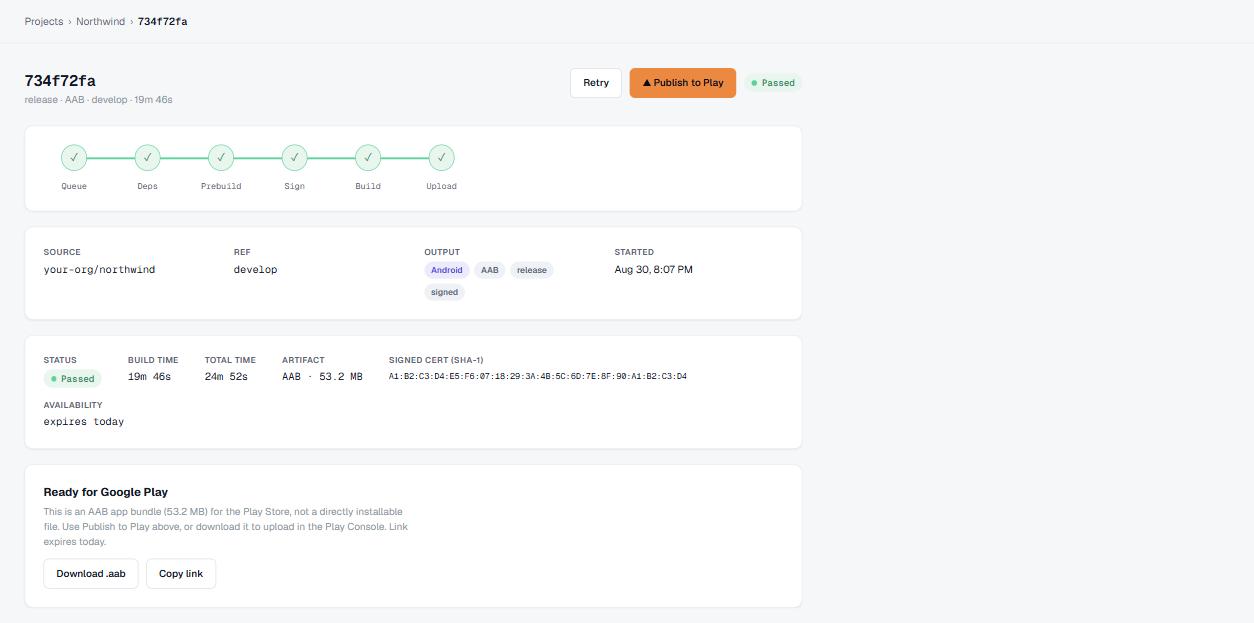
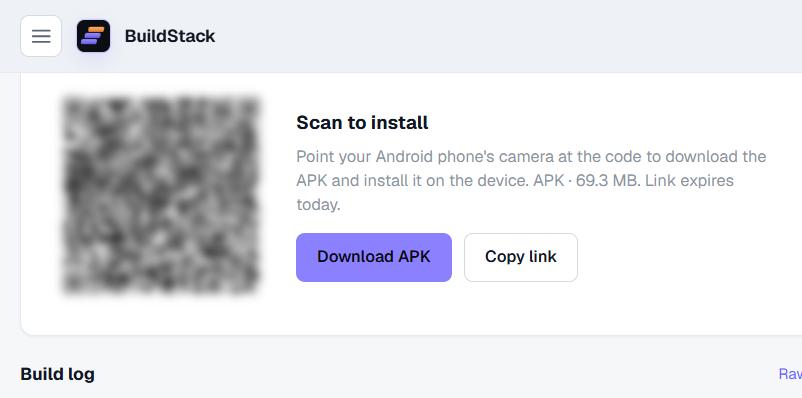
The build detail page shows the signed artefact, its version code, and the Play upload status. Share the scan-to-install QR with testers while the store review runs.
Ship it with BuildStack.
Cloud builds, managed signing and one-call Play publishing for Expo & React Native.
Start free